
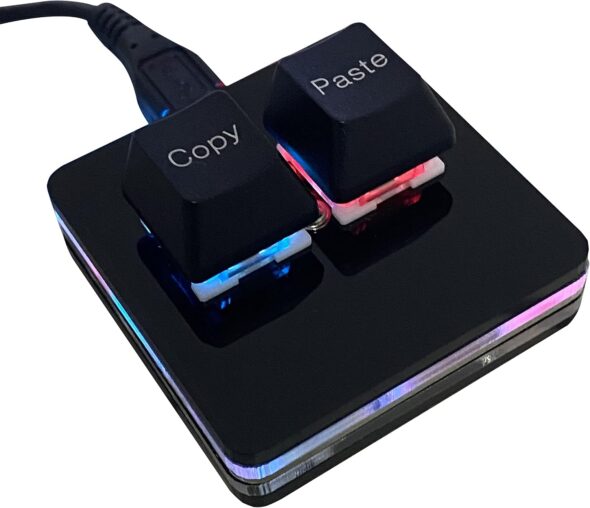
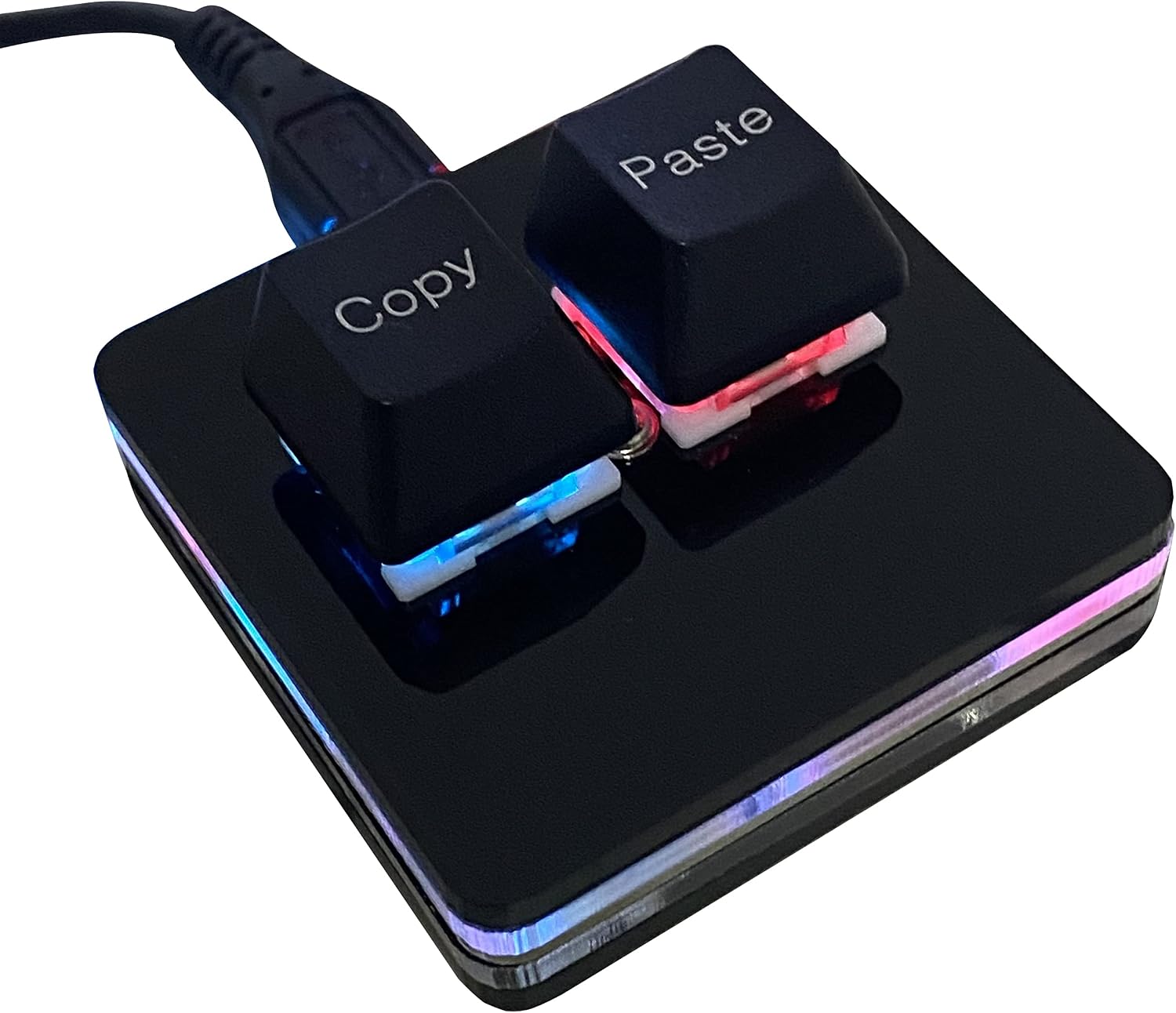
Somewhere between a joke gift and a productivity steroid sits this two-key macro pad — the BTXETUEL-branded SayoDevice O2L RGB slab (not-so-great product naming) with literal Copy and Paste caps staring at you like they know your browser tab count. It is hot-swap mechanical nonsense for people whose pinkies have filed a workers’ comp claim against Ctrl.
Deals often land near $13 and drift toward the $20 neighborhood depending on who is running a coupon that week. In the box: the black mini pad, a shaft puller, a long USB cable (about five feet), and a spare pair of Copy/Paste keycaps so you can cosplay monochrome or keep the labels readable after a coffee incident.
Plug in, clack twice, steal your own homework
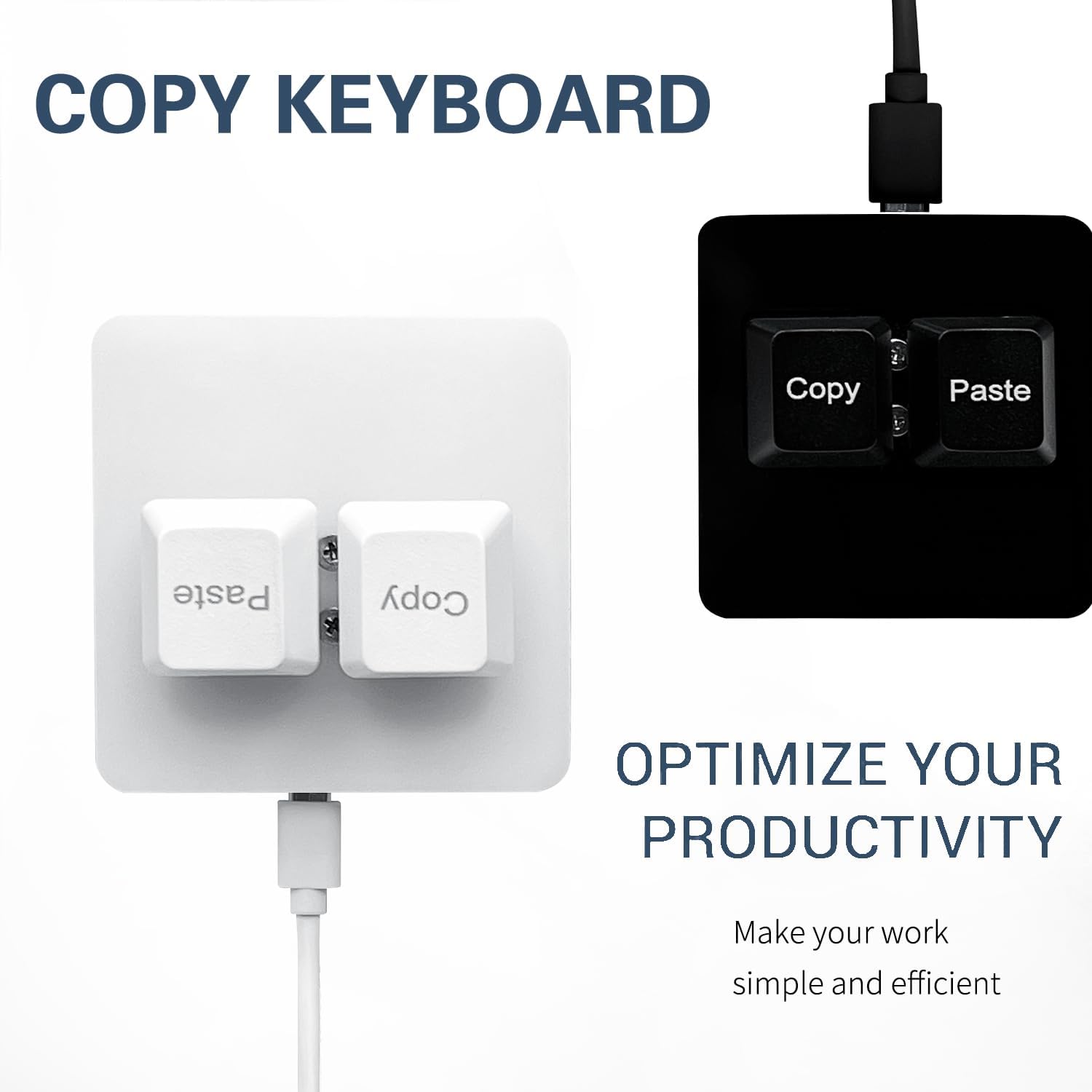
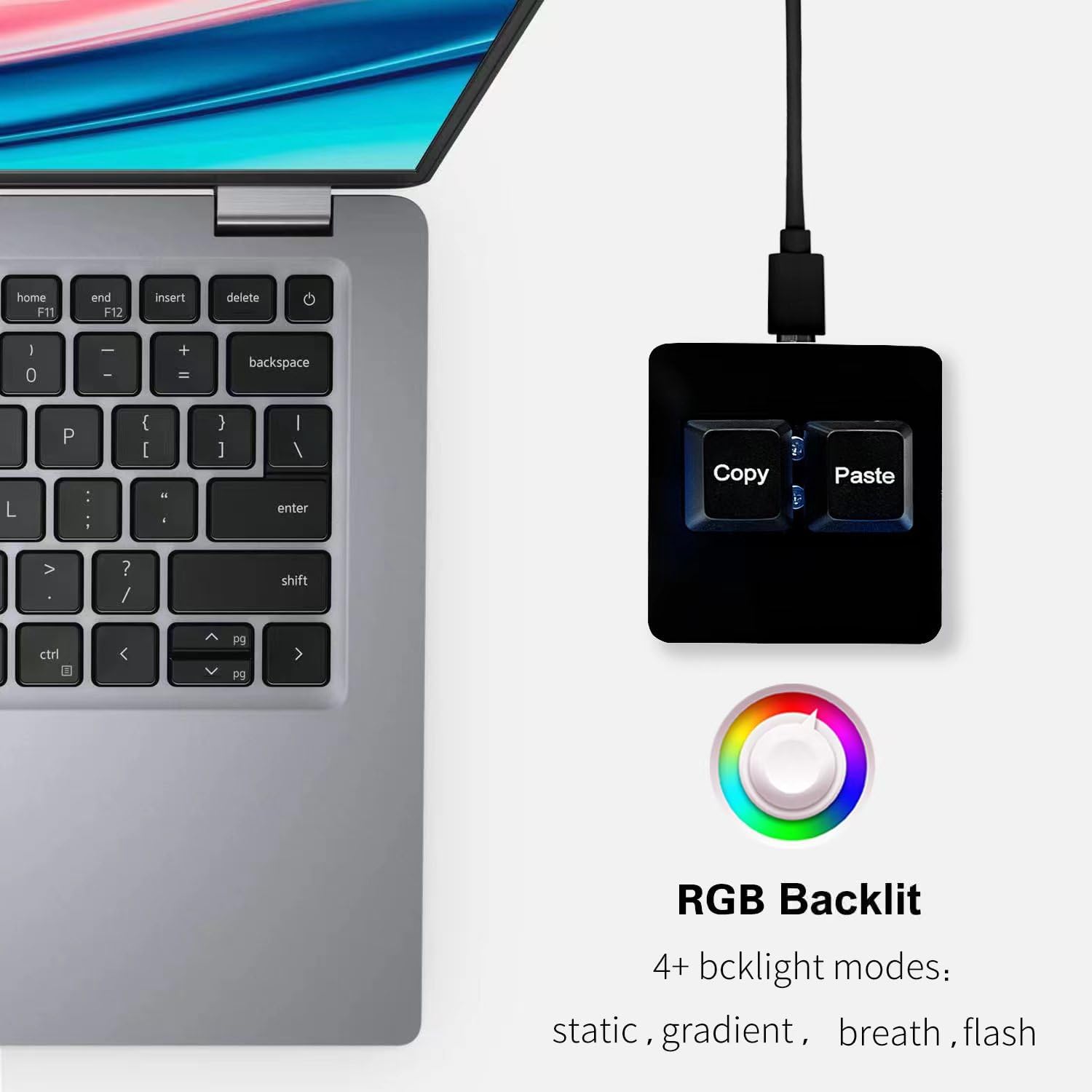
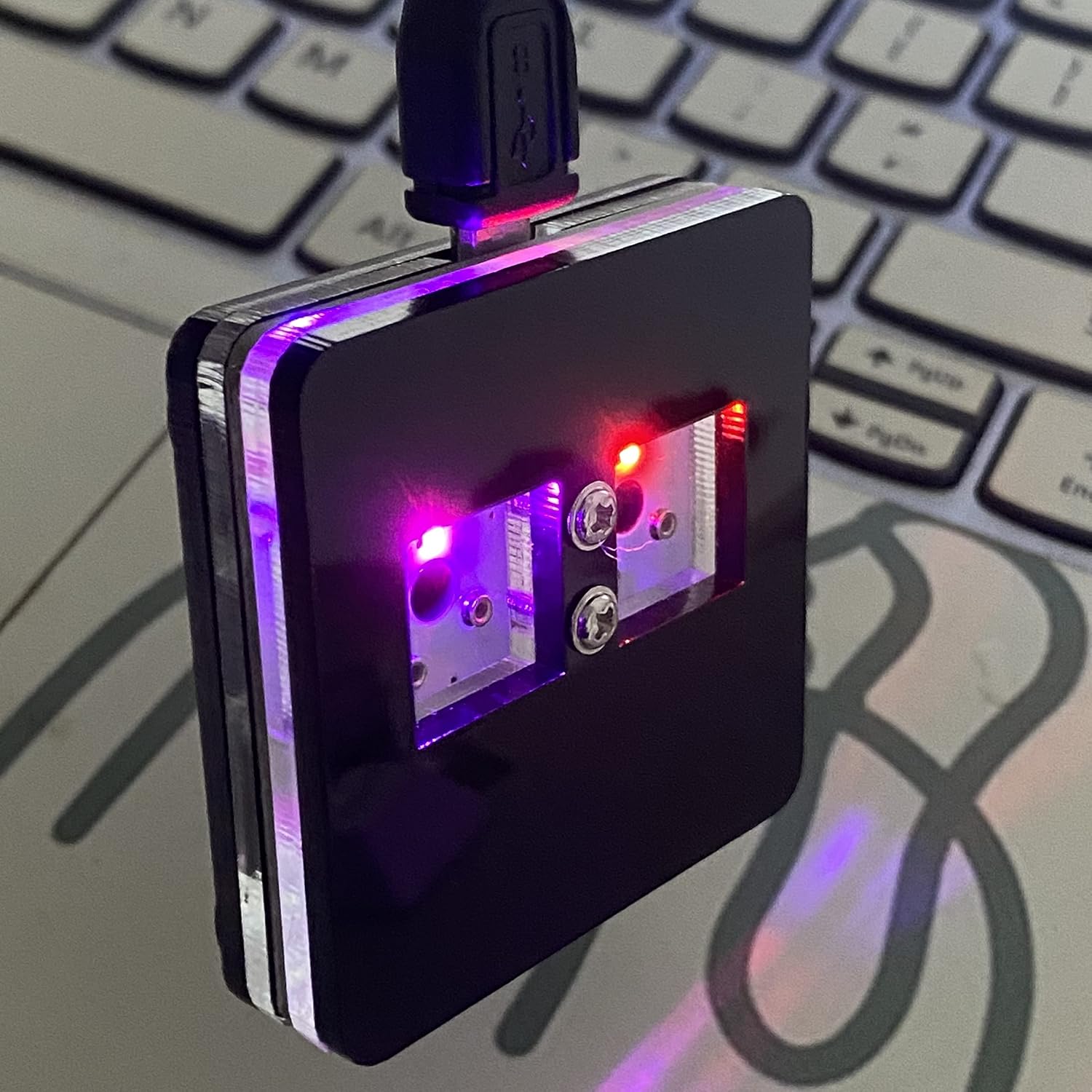
On Windows, default firmware is shameless: left key is Ctrl+C, right key is Ctrl+V, no driver pilgrimage required. The switches are hot-swap Cherry-style reds (linear, quiet-ish relative to clickies), riding a sandwich acrylic body with side glow that does static, gradient, breath, and flash moods. It looks like someone shrink-rayed a keeb meet and left only the two keys that matter for spreadsheet crime. Not sure why they couldn’t engineer a better position for the two screws peaking out between the keys. SMH.
Programming lives in the SayoDevice universe. Point your browser at sayodevice.com (WebHID), or use the Windows tooling when you want the older zip-app path. You can remap to cut/undo/redo/select-all, media keys, multi-step macros, mouse simulation, custom scripts — then save onboard so the pad keeps its personality when you migrate PCs. That “brain in the device” trick is why these little Osu!-adjacent keypads took over so many desks.
Mac users: one extra ritual
Out of the box, MacOS will not honor Windows Ctrl chords the way your muscle memory hopes. Connect the pad, open sayodevice.com in Chrome/Edge, and remap to GUI+C / GUI+V (Command) instead of Ctrl. Direct USB often beats hubs for WebHID flakiness — community threads are littered with hub horror stories. Linux folks: same idea, pre-map somewhere friendly, then enjoy the portable profile.
Ratings sit around 4.5 across a mountain of reviews, which tracks for a sub-$20 toy that either becomes muscle memory or a drawer ornament within a week. It is not QMK spaceship firmware. It is a focused HID brick with RGB and just enough software to be dangerous.
Who should buy two keys
Editors, sheet warriors, support agents paste-spamming canned replies, streamers who want a silly on-cam prop, and anyone building a desk that looks curated instead of accidental. Pair it next to something like the 8BitDo Retro 18 if your aesthetic is “mechanical cluster but make it weird.” Skip it if you already live in a fully programmed macropad or you refuse to open a browser once for Mac remaps.
Buy: BTXETUEL 2-key Copy/Paste macro pad — about $13-$20.
