
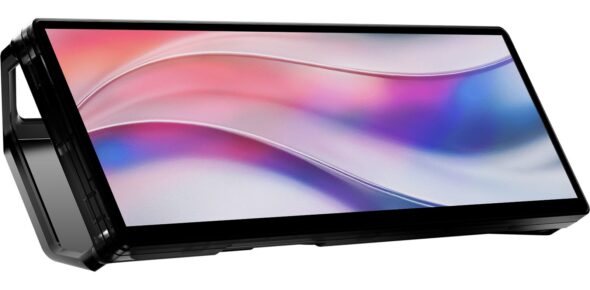
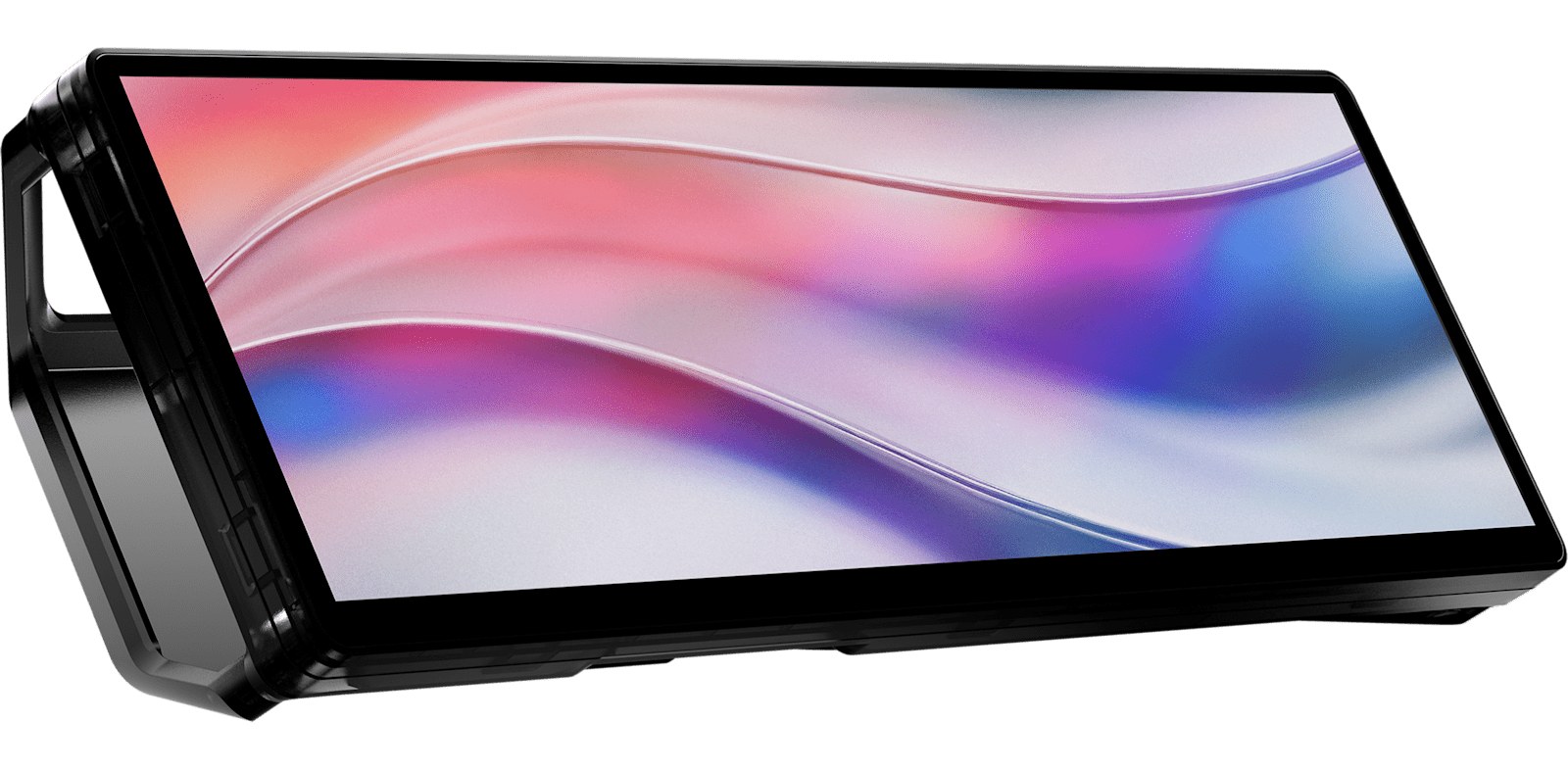
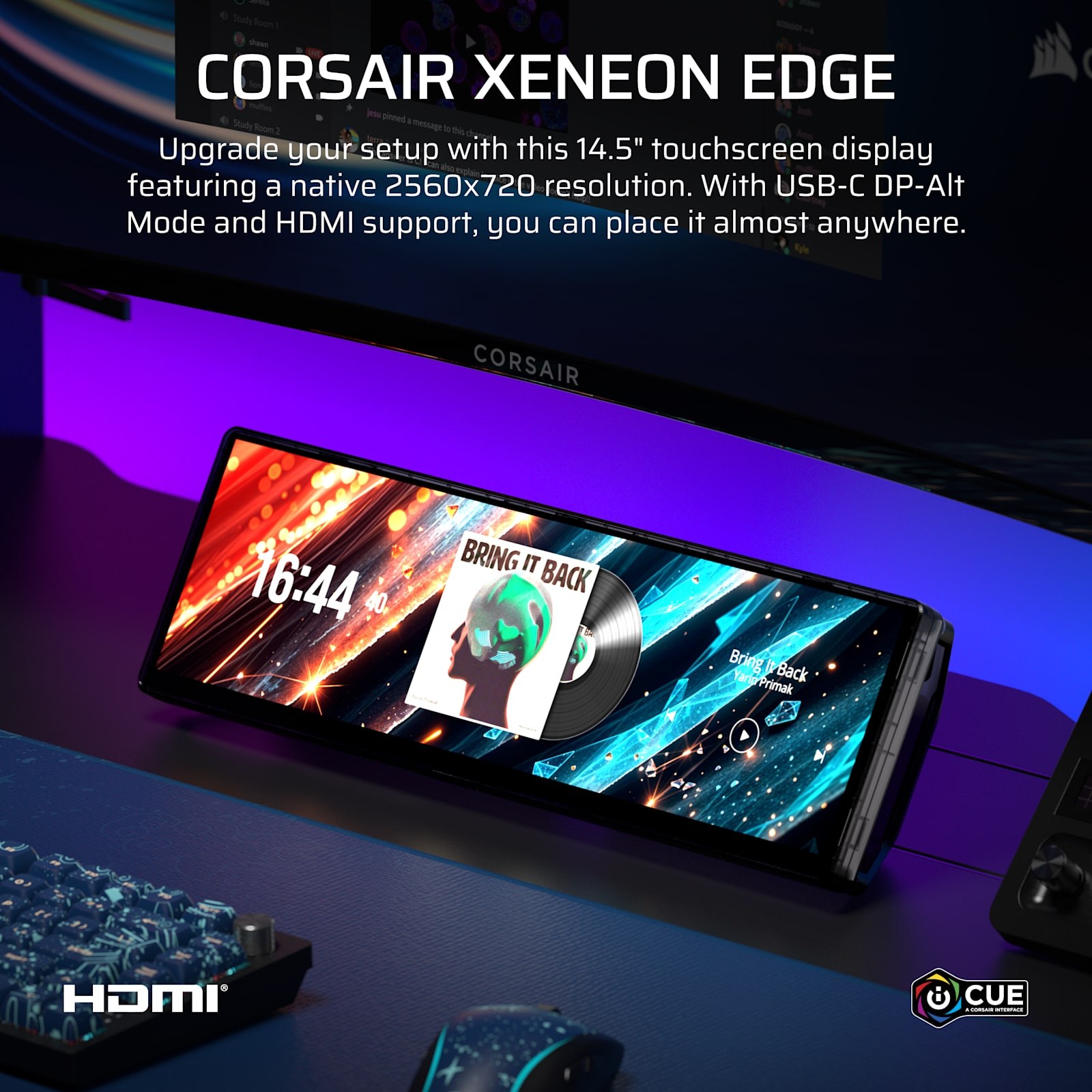
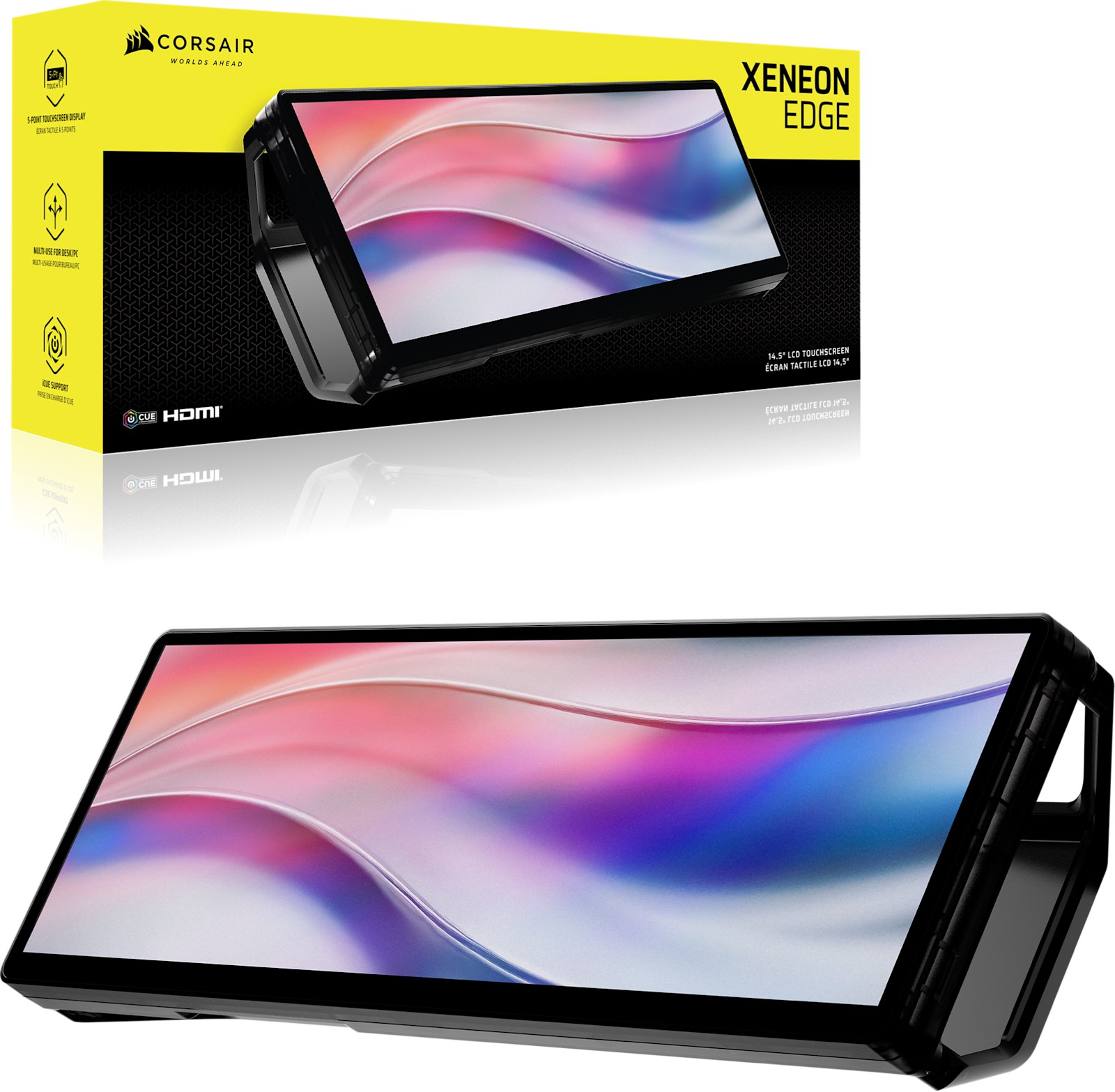
Your PC tells you a lot. Your main monitor should not have to listen. CORSAIR XENEON EDGE is a 14.5-inch, 2560 x 720 touchscreen shaped like a candy bar that lives wherever you have room: inside the case on a 360 mm fan mount, stuck to anything steel with its magnetic back, or on your desk on the included magnetic stand. Load it up with CPU temps, Discord, Spotify, weather, stream chat, then poke at it with your finger. Price: $249.
A widget strip, not a second monitor
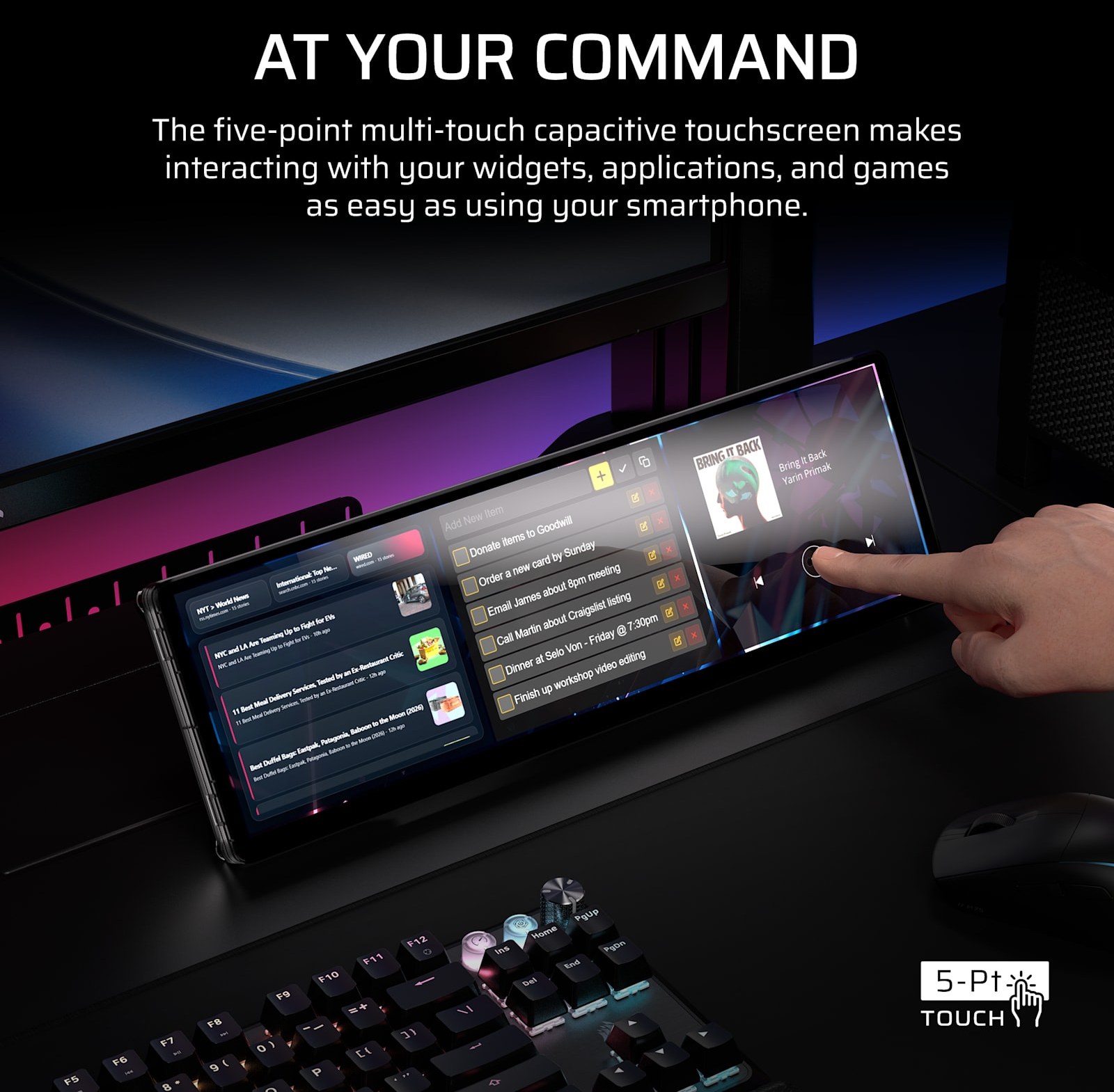
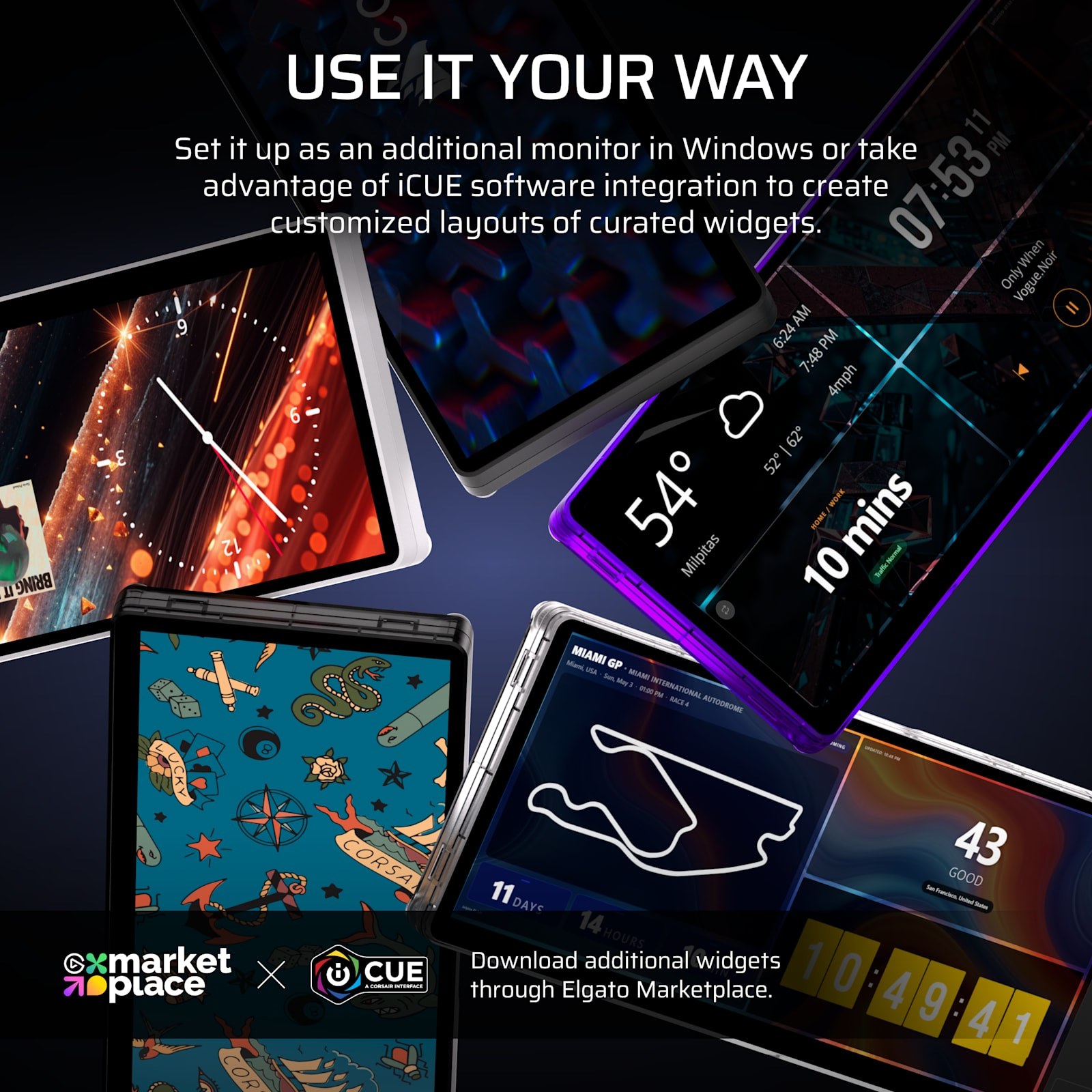
The 32:9 shape is the whole trick. At roughly the width of a keyboard and about as tall as a phone is wide, it slides under your main screen without eating desk space, and the AHVA panel stays readable from an angle. The 5-point capacitive touch means you tap widgets instead of alt-tabbing. CORSAIR iCUE builds the dashboards (system stats, media, clocks, web views), and it also plays nice with Elgato Stream Deck, SimHub, Rainmeter, AIDA64 and Wallpaper Engine. Or just treat it as a plain extra display in Windows, landscape or portrait.
Mount it anywhere
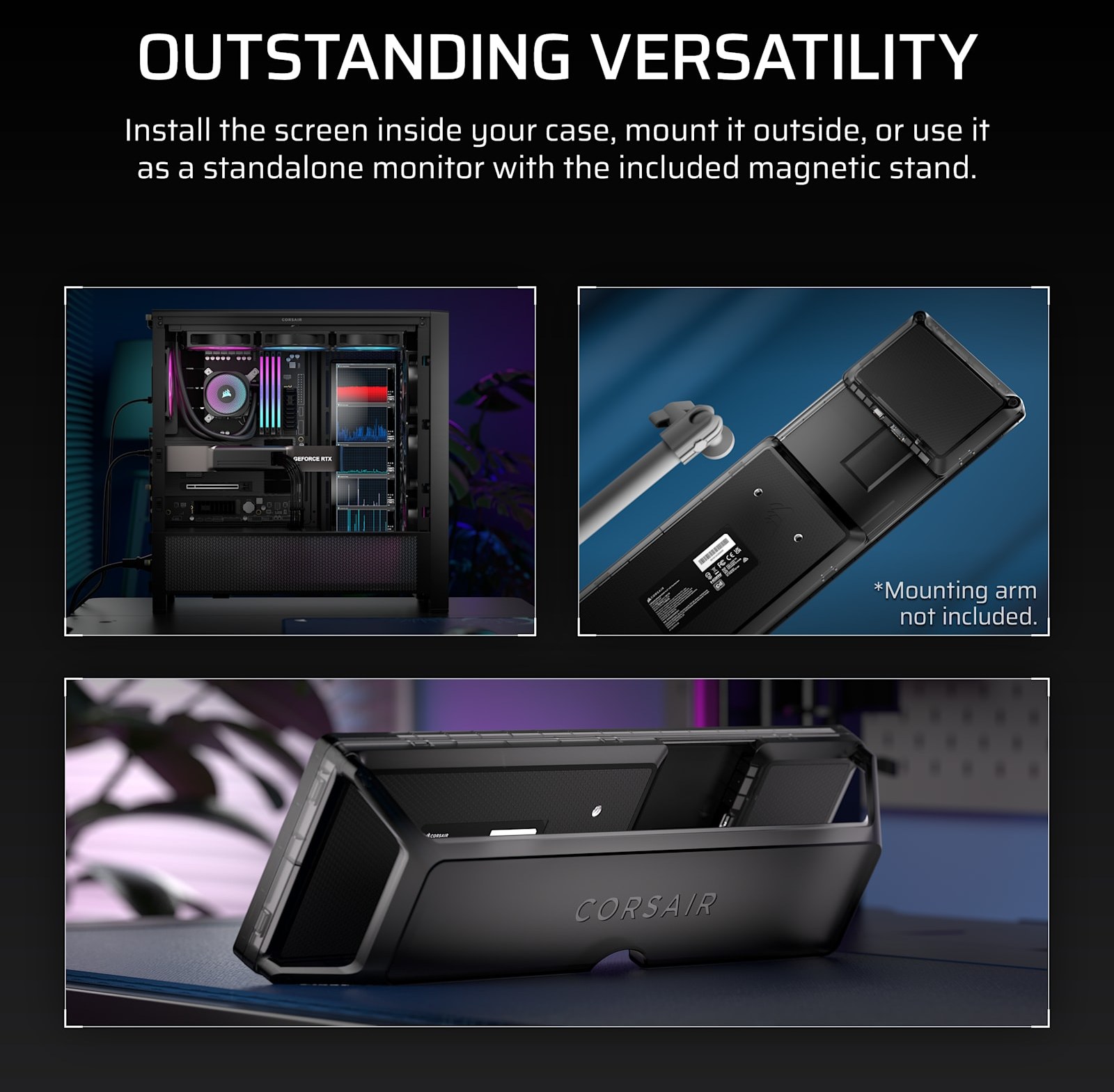
CORSAIR counts four ways in: a 360 mm fan mount so it sits inside your case where a radiator or fan row would go, 14 magnets on the back for any steel side panel or shelf, the included magnetic desk stand, and two 1/4-20 threaded points for an Elgato Multi Mount or any camera arm. A side-panel mount for CORSAIR FRAME cases is sold separately.
Spec sheet that matters
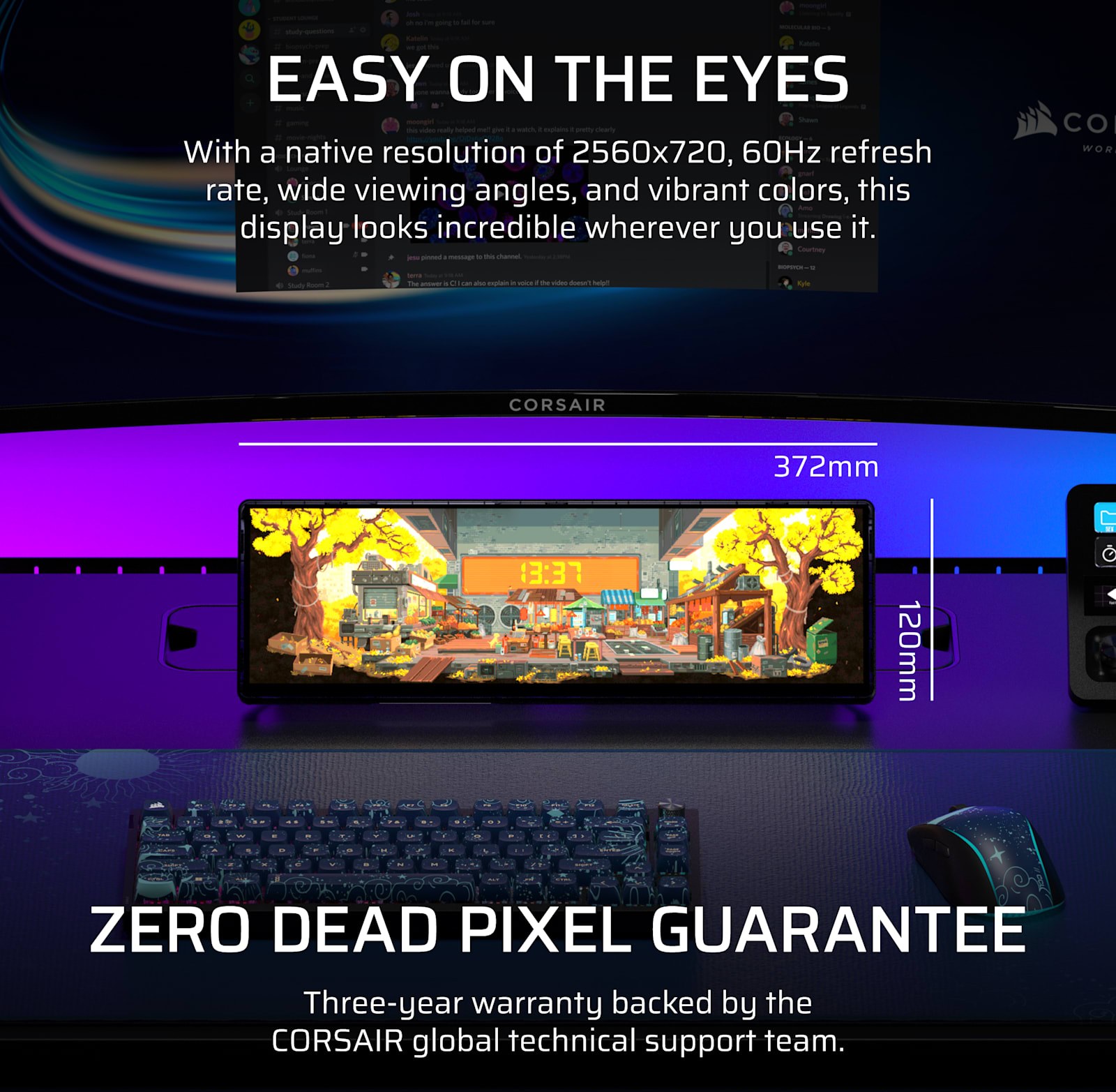
- Screen: 14.5 in AHVA LCD, 2560 x 720 (32:9), 60Hz, 350 nits peak
- Touch: 5-point capacitive multi-touch
- Inputs: 1x HDMI 2.0, 1x USB-C DisplayPort Alt Mode
- Power: USB-C, 5V 2A
- Size: about 372 x 120 x 22 mm
- Mounting: 360 mm fan mount, magnetic back, magnetic desk stand, 2x 1/4-20 threads
- Software: CORSAIR iCUE and Elgato Stream Deck; Windows 11 for the full widget setup
- Warranty: 3 years with a zero dead pixel guarantee
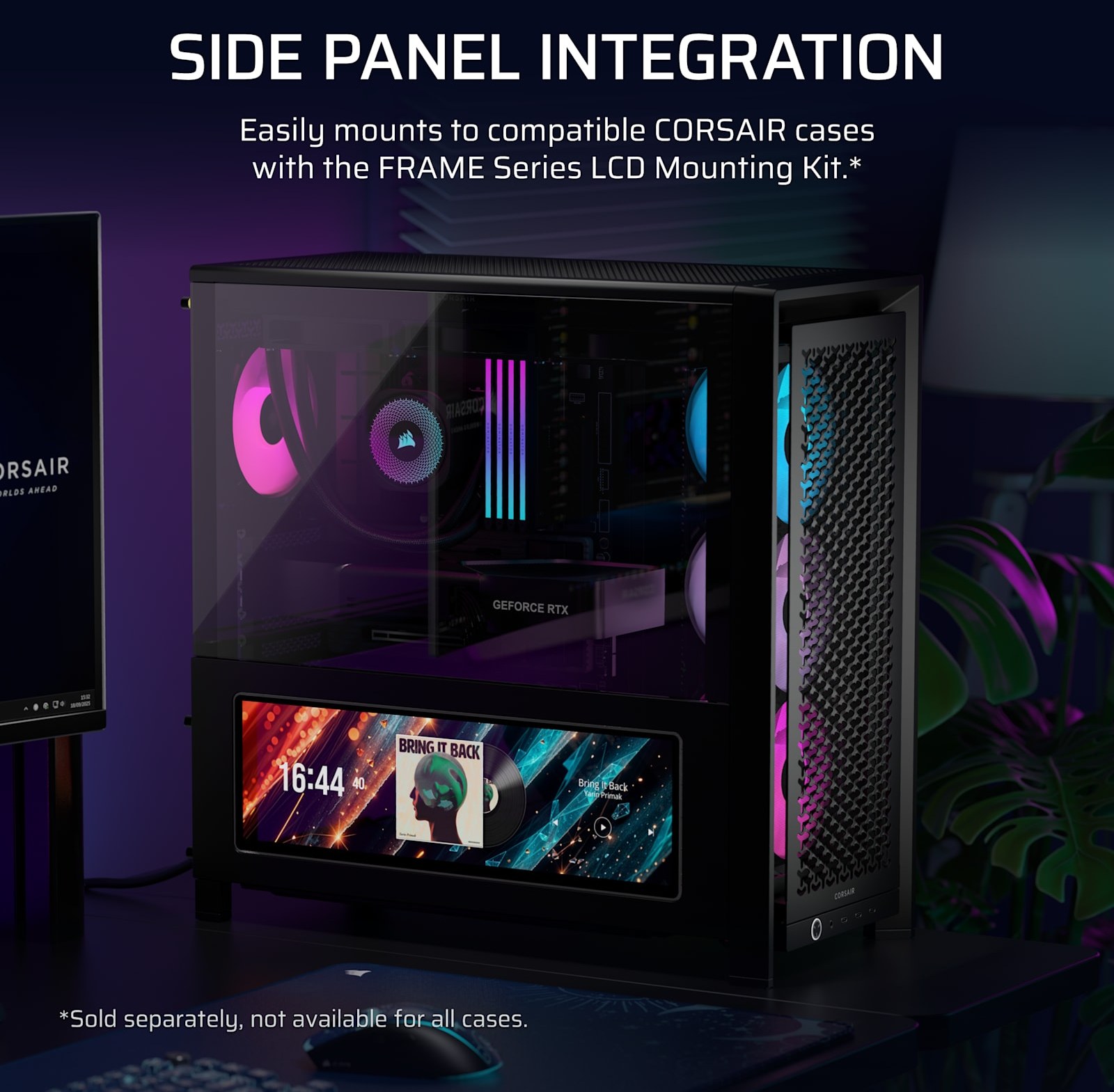
The fine print: no adaptive sync and no HDR here, and 60Hz is plenty for widgets but not for gaming on it. The iCUE widget magic is a Windows thing; on anything else it is a basic touch display. If you want to mount it inside your case, measure first: you need a free 360 mm fan position.
Into weird desk displays? Check out the Holoneo floating air-imaging display. Building a full battle station? See the Pulsar F01 Noctua Edition mouse.
Grab the CORSAIR XENEON EDGE for $249.
Sources: CORSAIR XENEON EDGE product page | CORSAIR quickstart guide (specs) | CORSAIR launch press release | SimRacingSetups Short.