
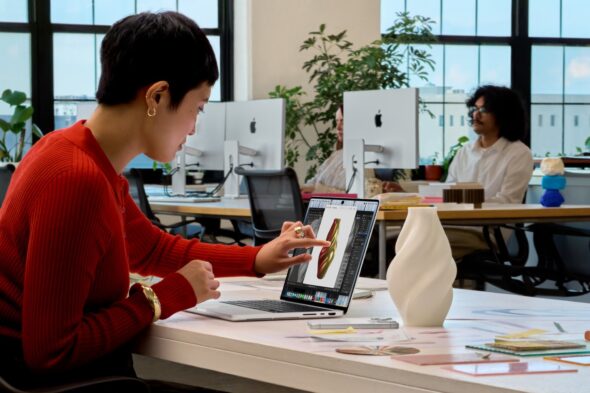
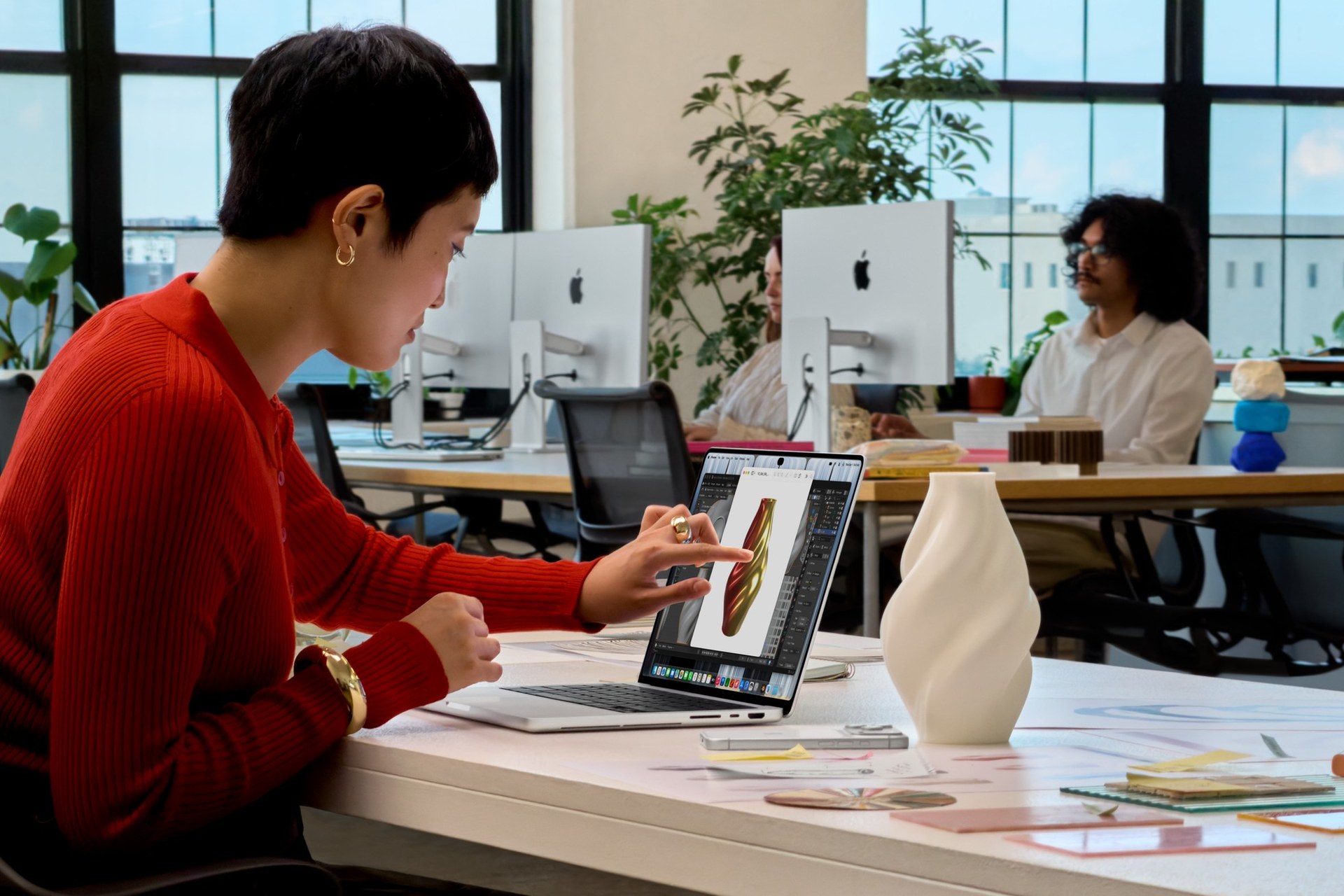
Back in October 2010, Steve Jobs stood on stage at Apple’s “Back to the Mac” event and told the world that touchscreen laptops were a dead end. “Touch surfaces don’t want to be vertical,” he said. “After a short period of time, you start to fatigue. And after an extended period of time, your arm wants to fall off.” Sixteen years of Apple fans repeating that line in every comment section later, Apple just put a touchscreen on the MacBook Pro. Tim Cook’s victory lap on X was short and sweet: “We brought Touch to the Mac!” Somewhere, a million Surface owners are slow-clapping.
The touchscreen MacBook Pro is real
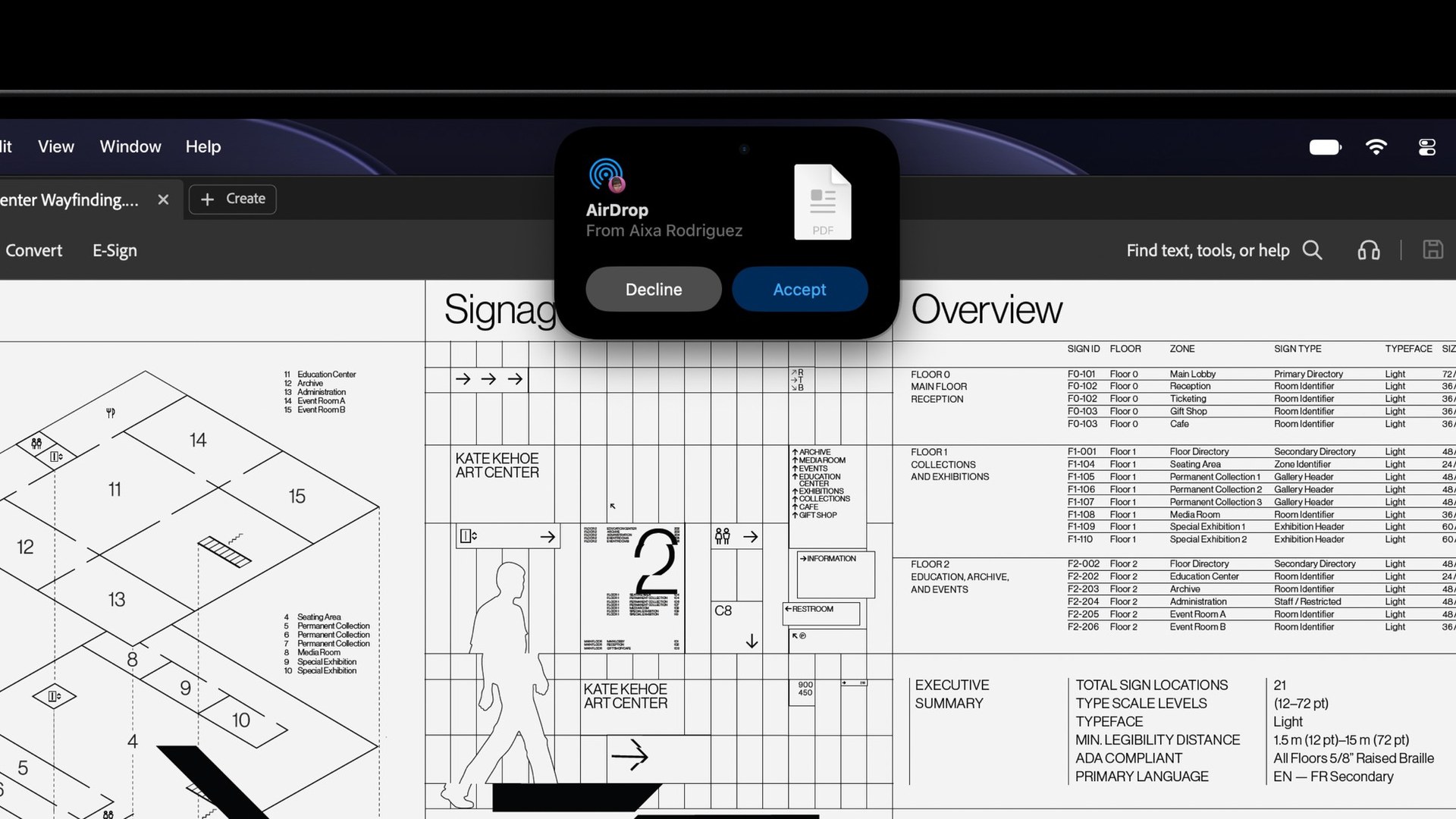
Apple unveiled the new MacBook Pro with PROLED XDR Display on October 28 in Los Angeles. It comes in 14-inch and 16-inch sizes, and it is the first Mac you can poke. According to Apple’s announcement, the touch sensor is built right into the display panel instead of layered on top, which Apple says cuts latency. You get the gestures you already know from your iPhone. Swipe to scroll, pinch to zoom a photo, drag and drop slides, double-tap a window to fill the screen, or flick it to tile it. macOS 27 “Golden Gate” also turns your taps into clicks, so your old apps still work.
Apple clearly heard the arm-fatigue jokes coming. It redesigned the hinge so the screen stays steady while you jab at it, and the 12MP Center Stage camera stabilizes your video if you touch the screen during a call. Nobody wants to see a wobbly forehead on Zoom.
Carter got his hands on it first
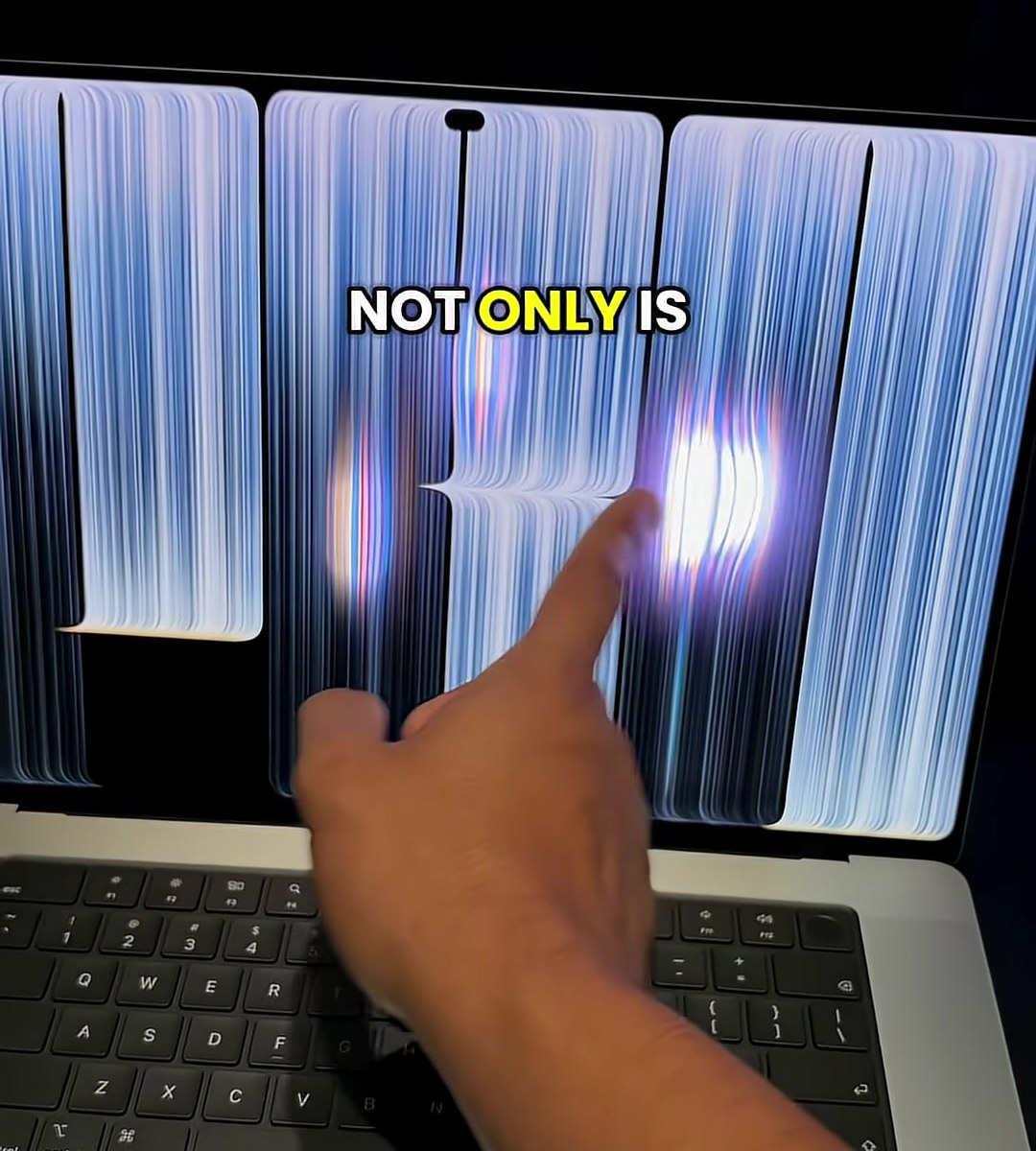
YouTuber CarterPCs “infiltrated” the Apple event and posted a 20-second Short of himself tapping away at a demo unit. “Oh my god, it is popping in here,” he says, before pointing out that the lid’s Apple logo glows again, like old-school MacBooks. Ars Technica confirmed the glowing logo is back too. The Short pulled more than 6.5 million views in its first day.
PROLED XDR: the screen is the real star
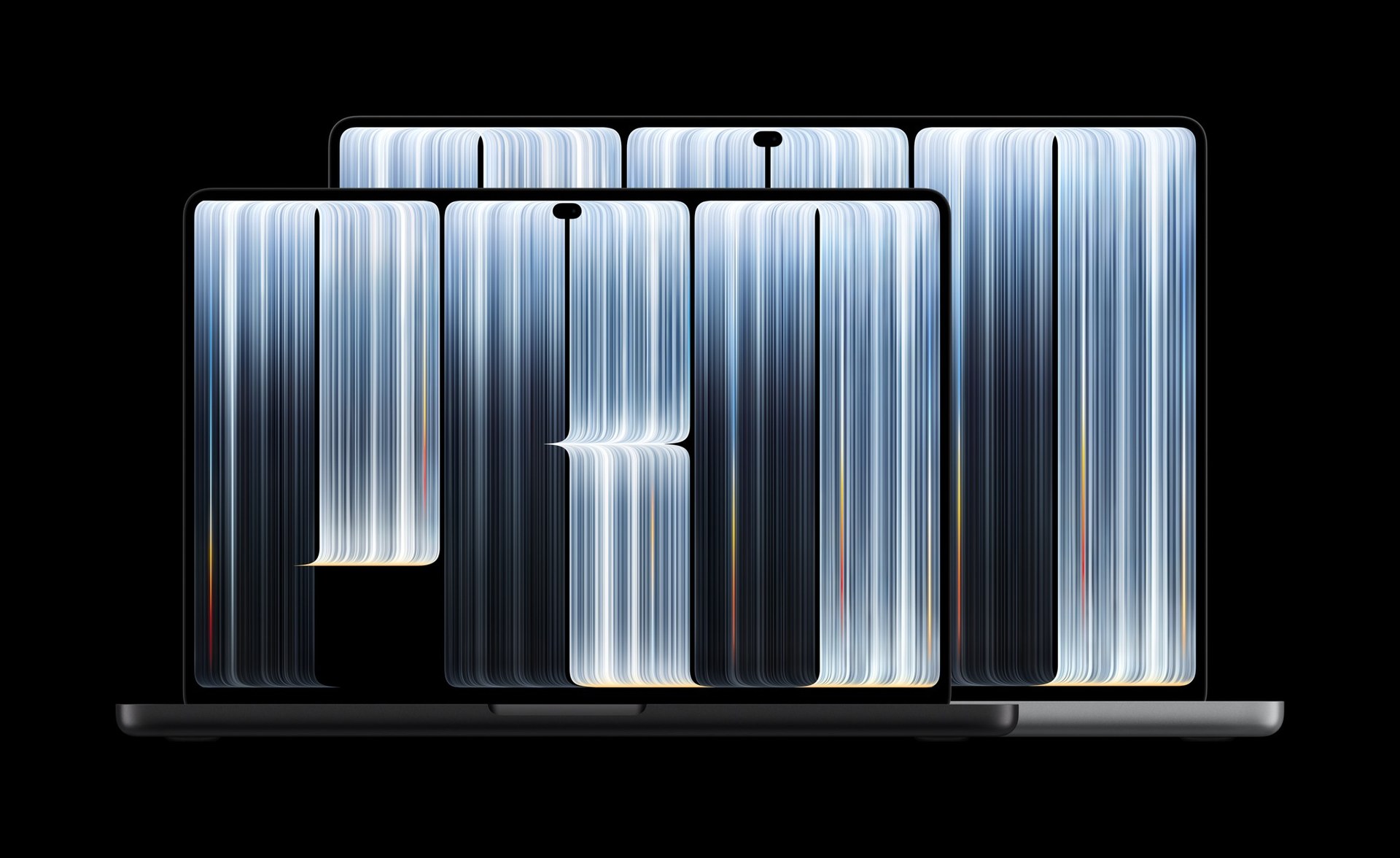
The touch grabs the headlines, but the display is the bigger upgrade. PROLED XDR is Apple’s name for a tandem OLED panel, with two stacked light-emitting layers for more brightness and longer life. Here is what Apple is promising:
- 2000 nits peak brightness for both HDR and SDR (1000 nits sustained full-screen)
- A 10,000,000:1 contrast ratio, so blacks are truly black
- ProMotion from 10Hz to 120Hz
- P3 and Adobe RGB wide color, which photographers and print designers will love
- 14.2-inch or 16.3-inch screens at 254 pixels per inch, with an optional nano-texture glass
The camera notch is gone too. In its place is the Dynamic Island, the same pill-shaped trick from the iPhone. On the Mac it holds Live Activities, music controls, Spotlight and the new Siri AI.
Apps you can actually touch
Apple’s own pro apps are getting the full touch treatment. Pixelmator Pro lets you draw, paint and select right on the canvas. Logic Pro adds a fully Multi-Touch keyboard plus chord and drum pads you can tap. Final Cut Pro lets editors mark ranges, drop clips into place and pinch to zoom a cut. Apple says touch support is also coming to big third-party apps like Microsoft Office, Canva, Notion, Zoom, Lightroom, DaVinci Resolve, Blender and Cinema 4D. Just know that some of those land “later this year,” per Apple’s fine print, not on day one.

Thinner, lighter and still loaded with ports
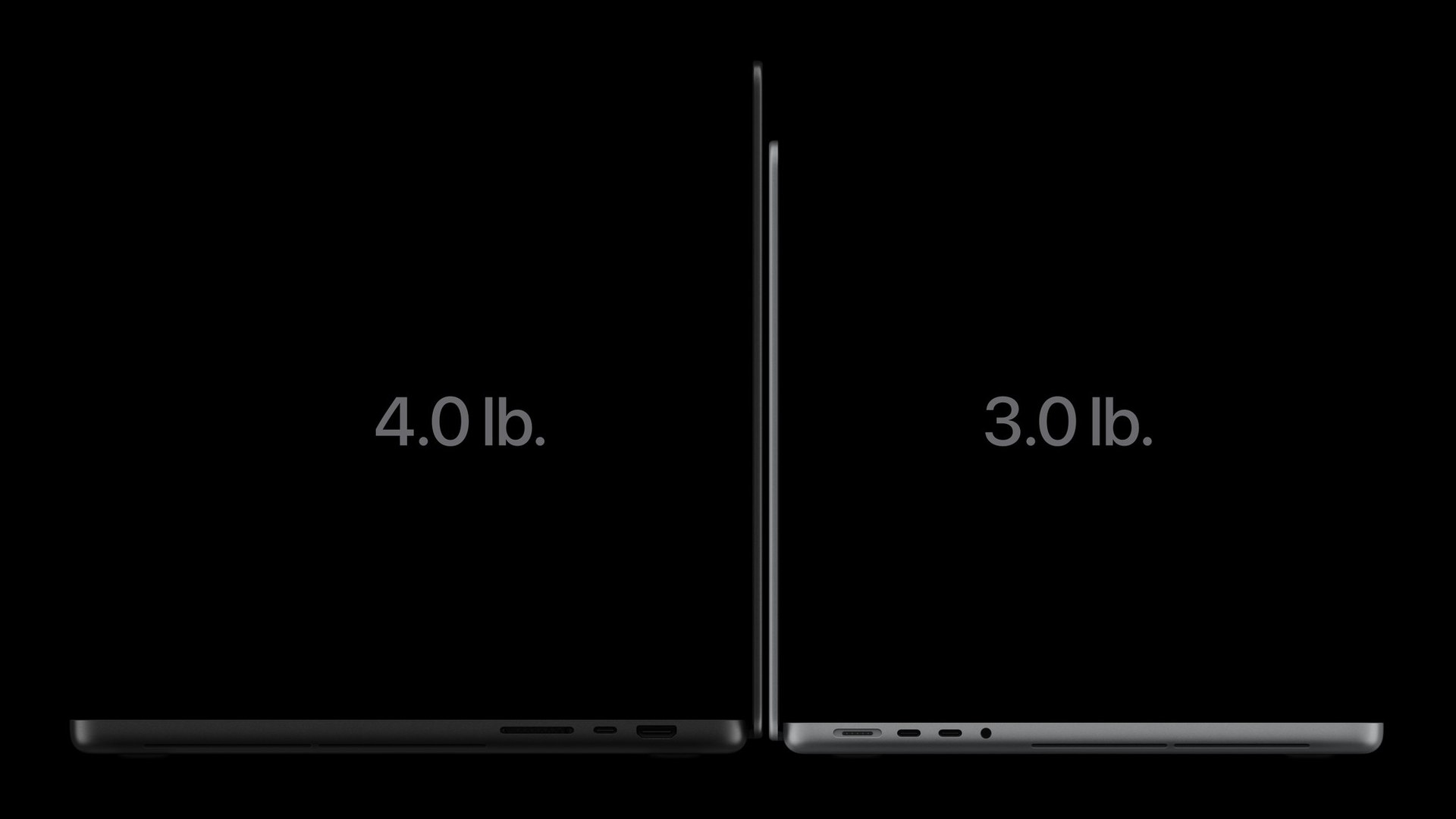
Apple also put the MacBook Pro on a diet. The 14-inch now weighs 3 pounds, about half a pound less than before, and the 16-inch weighs 4 pounds. Inside are the same M5 Pro and M5 Max chips from the last refresh, with up to 128GB of memory and up to 16TB of storage. Ars Technica points out that Apple skipped the newer M6 chips here. Battery life is rated at up to 22 hours of video streaming on the 14-inch and up to 24 hours on the 16-inch, and fast charging gets you to 50 percent in 30 minutes.
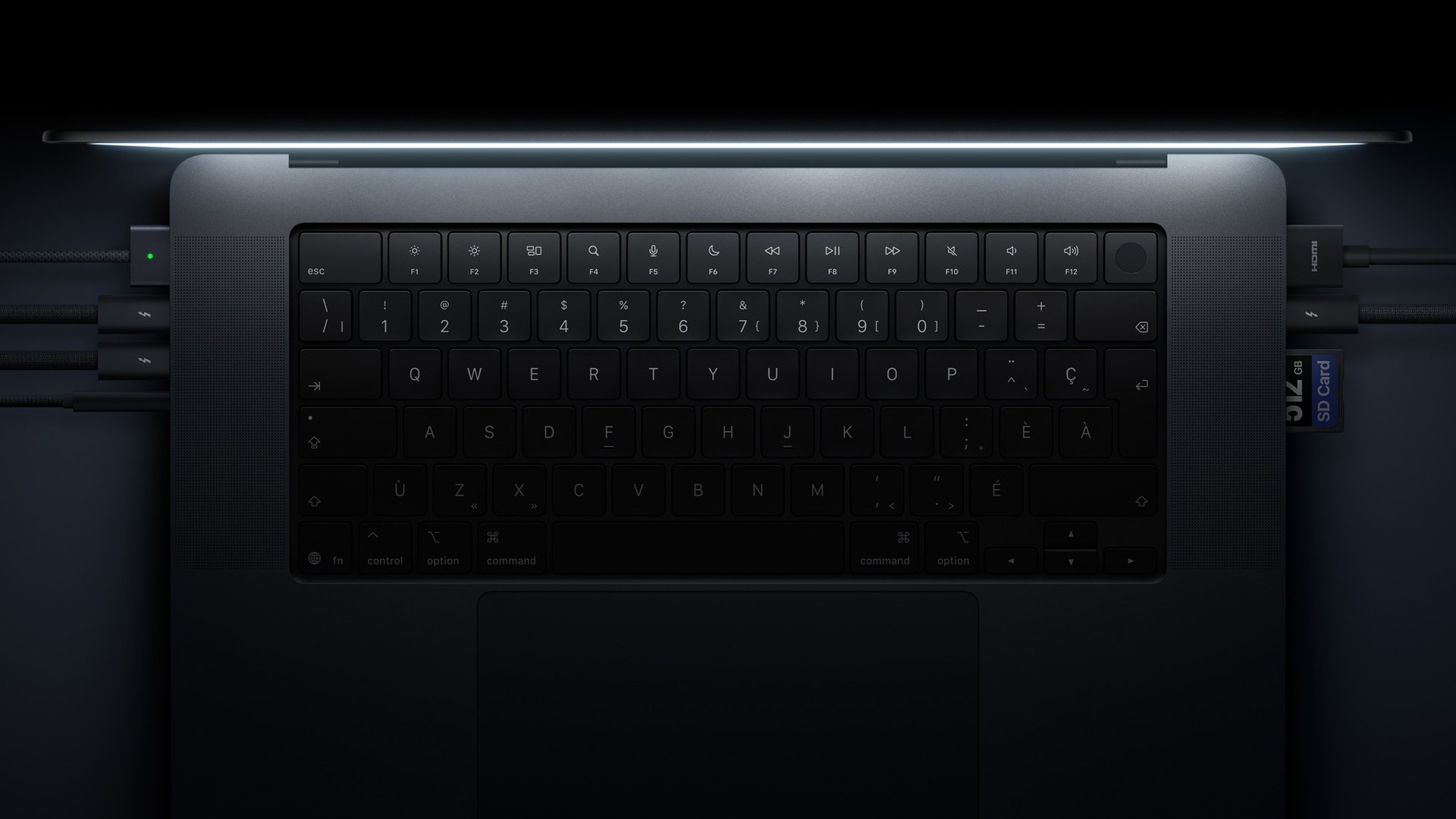
The ports stayed, thank goodness. You get three Thunderbolt 5 ports, HDMI, an SDXC card slot, MagSafe 3 and a headphone jack, plus Wi-Fi 7 and Bluetooth 6. There is also a six-speaker sound system that Apple says has up to 50 percent deeper bass.
Price and availability
Here comes the gorilla-arm-sized price tag. The 14-inch with M5 Pro starts at $2,899, and the 16-inch with M5 Pro starts at $3,399. Want M5 Max? That is $4,499 for the 14-inch and $4,799 for the 16-inch. Pre-orders opened October 28, and the first machines arrive Friday, November 6. Apple also offers leasing through Apple Upgrade from $55.99 a month. The regular MacBook Pro without the touchscreen sticks around for less.
Amazon is taking pre-orders at Apple’s prices, sold by Amazon itself. Pre-order the 14-inch MacBook Pro with PROLED XDR Display here or grab the 16-inch version.
GadgetKing take
Jobs was not wrong that nobody wants to hold their arm up all day. But that was never the point. Nobody is going to ditch the trackpad. The win is the quick stuff, like pinching a photo, scrubbing a timeline or tapping a button without hunting for the cursor. Windows laptops have done this for years, and once you get used to it, every screen looks touchable. The real headline for us is that tandem OLED panel, which might be the best screen ever put in a laptop. Is it worth $2,899 to find out? We will tell you once our arms stop shaking.
Sources: Apple Newsroom, Apple tech specs, Ars Technica, Tim Cook on X, Wired and CNN (Jobs 2010 quote). Video: CarterPCs. Images: Apple, plus one still from the CarterPCs Short.
More Apple: the 2nm M6 Mac mini and M5 Ultra Mac Studio, the Wokyis M5 Retro Dock and, for old times’ sake, the 2016 Touch Bar MacBook Pro, the last time Apple put touch near the keyboard.
